To Preview a Course Workbook for a 1-week free eBook trial period, follow these steps:
- In the table below, click on the eBook link for the course you want to preview:
| Link | Code |
|---|
| Algebra I | eBook | 26A1-Z9Vwg |
|---|
| Geometry | eBook | 26GE-7BPza |
|---|
| Algebra II | eBook | 26A2-8toWd |
|---|
| AP Statistics | eBook | APSt-TLceu |
|---|
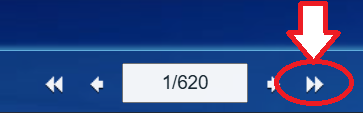
- After the eBook opens in a new tab, press the ▶▶ button (or ►❚ button on a mobile device) at the bottom of the screen.
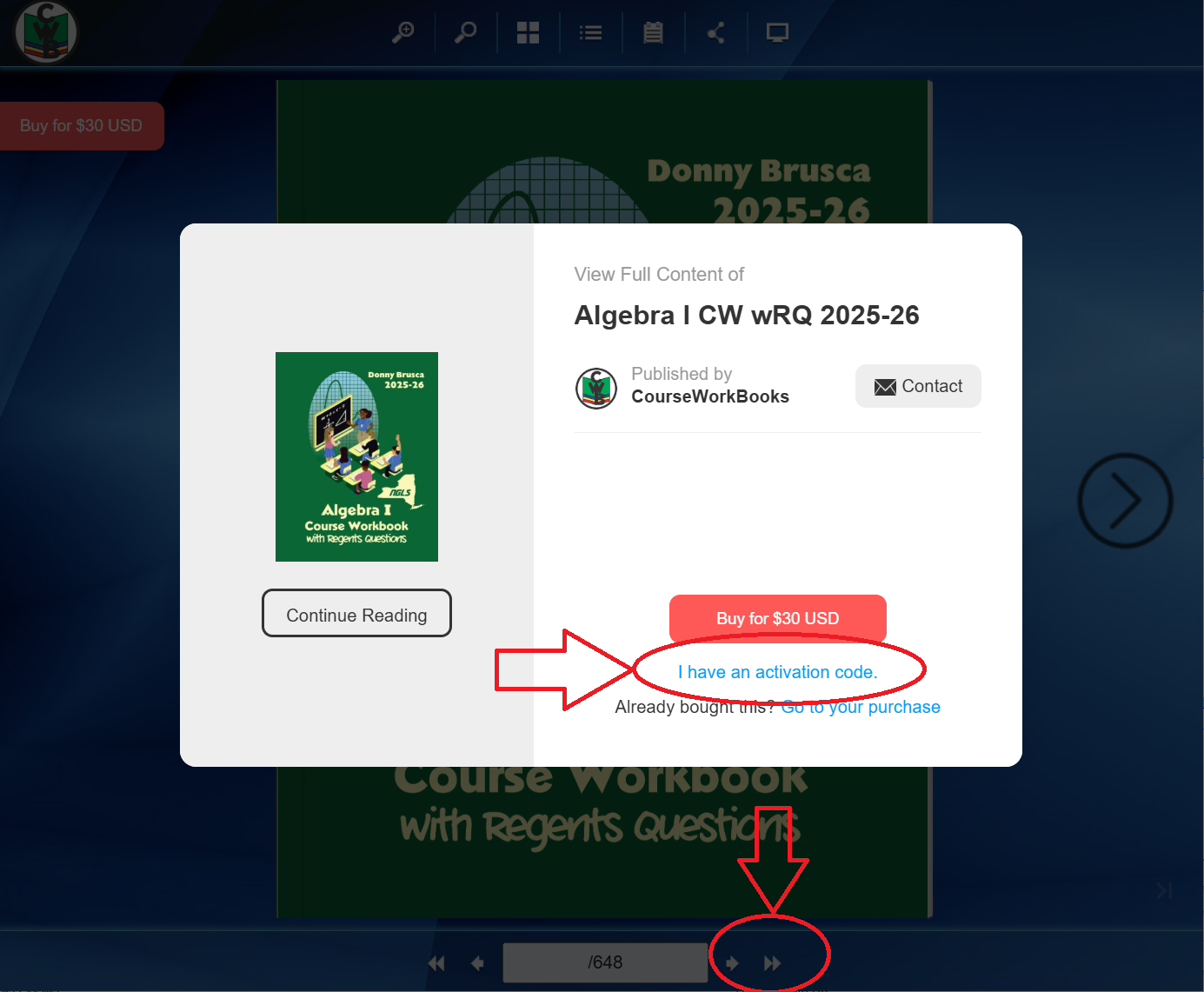
- Click on the "I have an activation code" link.
- Enter your email address.
- Enter (or copy/paste) the case-sensitive activation code given in the table above.
- Click on the Sign Up and Activate button.
